Learn how to create custom business apps with Power Apps and how to automate business process with Power Automate.
Self-Paced

Before we start, I would like to define RPA. What is RPA (Robotic Process Automation)? RPA is a type of business process automation with the use of software robots (bots). For more details refer to the link. This article will provide an overview of the Power Automate Desktop (Preview).
At Microsoft Ignite, MS announced this product on September 22, 2020. This is a new desktop-based RPA authoring solution. Flexmind already recorded a video for the same.
Follow this link for set up and installation process. Once you follow the set up process, you will able to see a icon on your desktop.
In our sample application we will create and save an excel document.
Follow below steps to create a sample automation task.
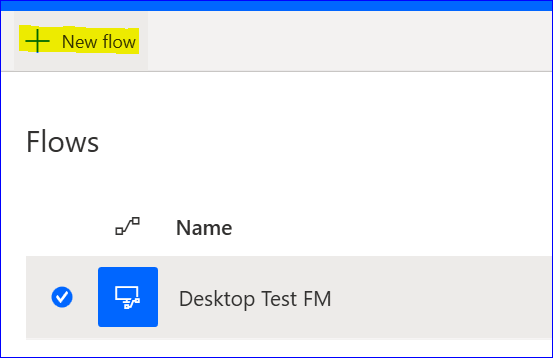
Launch the desktop application and click on New Flow.
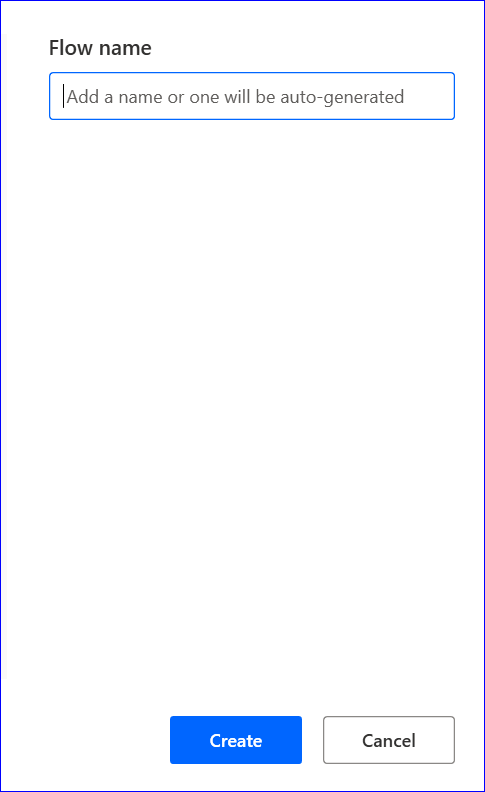
Provide flow name and create.
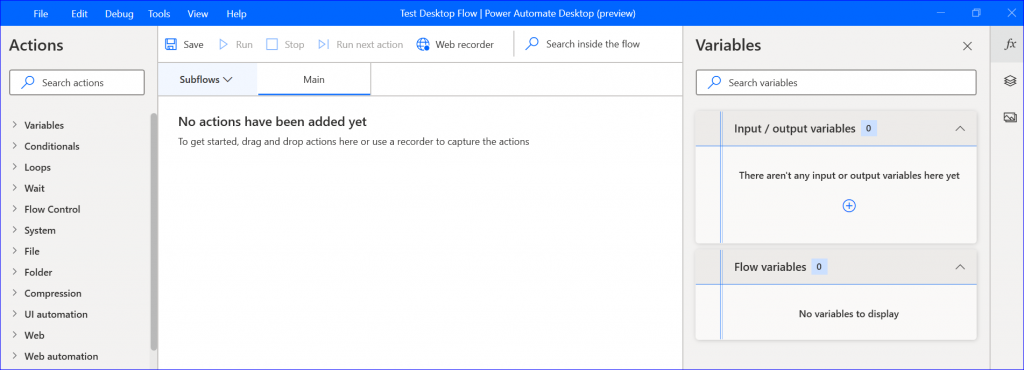
From the Actions pane expand Excel and drag below items.
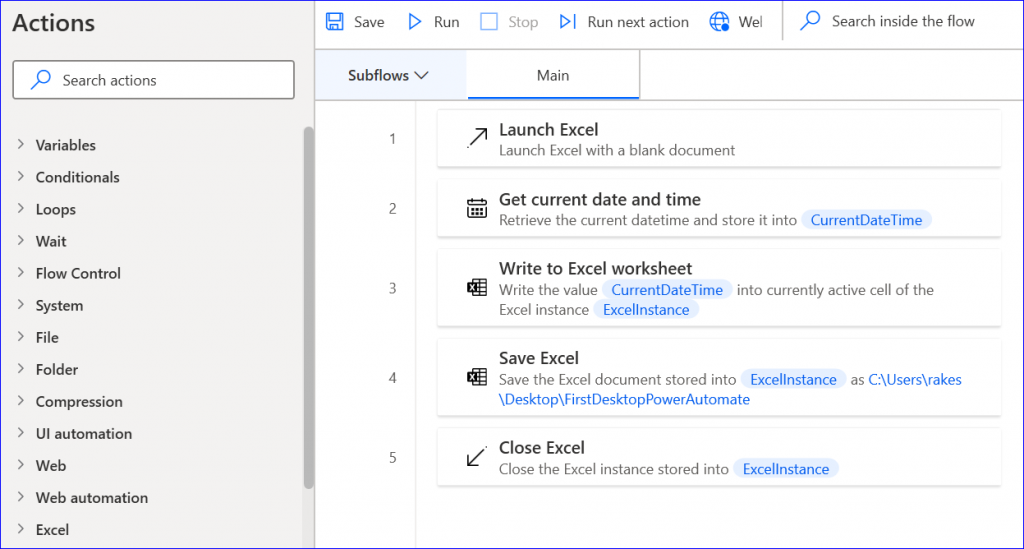
Launch Excel: With a blank document
Get the current date and time with the system time zone.
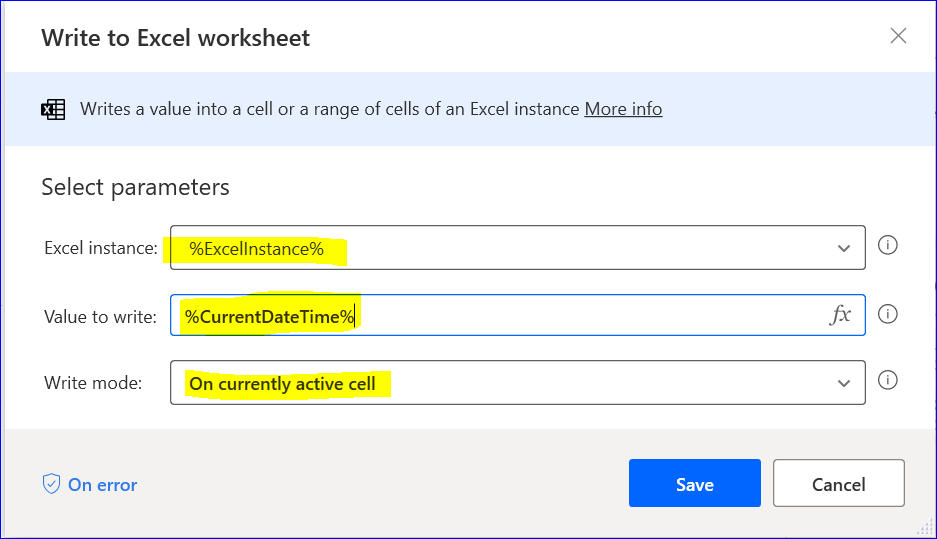
Write to Excel worksheet.
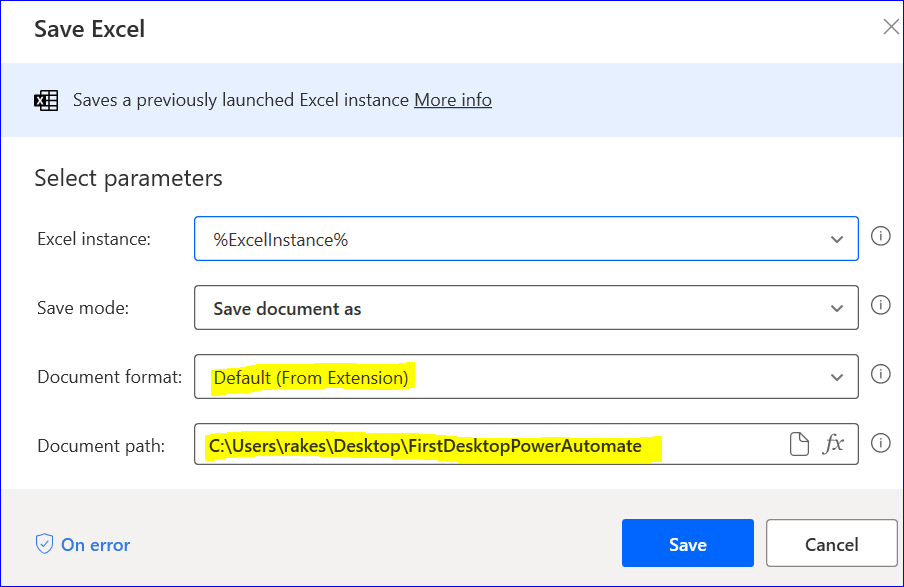
Save Excel.
The last step is to close the excel with do not save document setting. After performing the above steps, run and save the flow. You will able to see the flow under the UI flows tab.
In our next blog, we will see how to schedule this. If you like this article please share and subscribe to our site. You can also subscribe to our YouTube channel.
Thanks !!
You can start your Power Platform learning journey by enrolling for one the below recommended courses.
Learn how to create custom business apps with Power Apps and how to automate business process with Power Automate.